Only company administrators can modify your PINs.
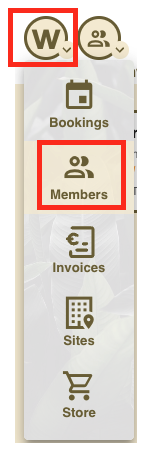
1. Go to app.workways.com, then click the W menu and select Members.
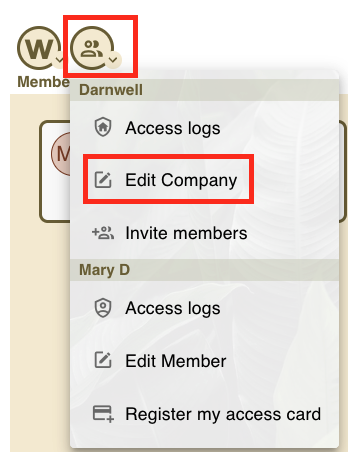
2. In Members, open the actions menu and click Edit Company.
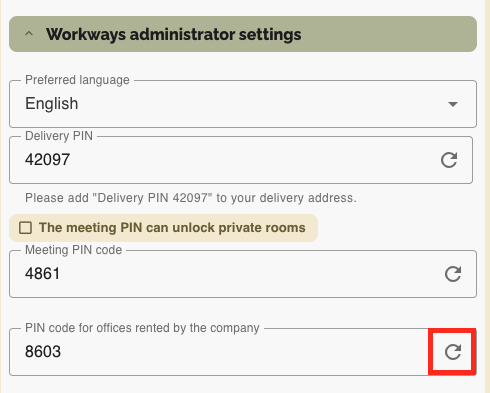
3. Then, go to Workways administrator settings and choose the type of PIN you want to update:
- Meeting PIN
- Delivery PIN
- Office PIN (PIN code for offices rented by the company)
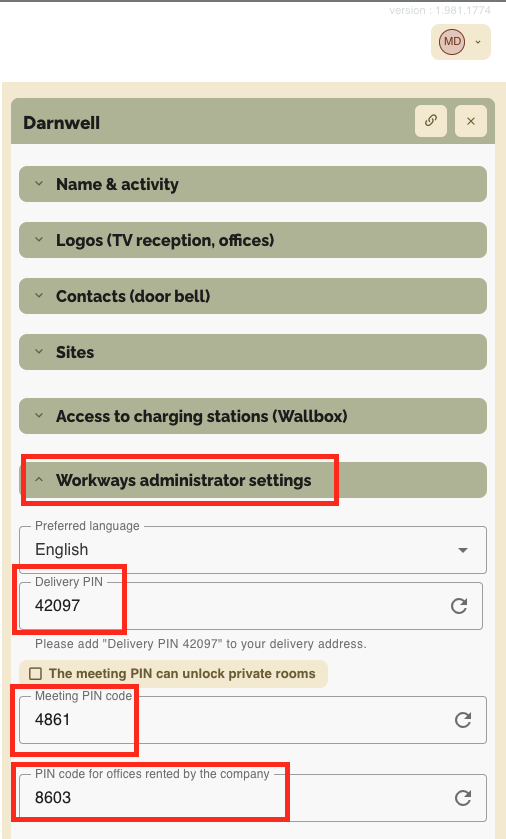
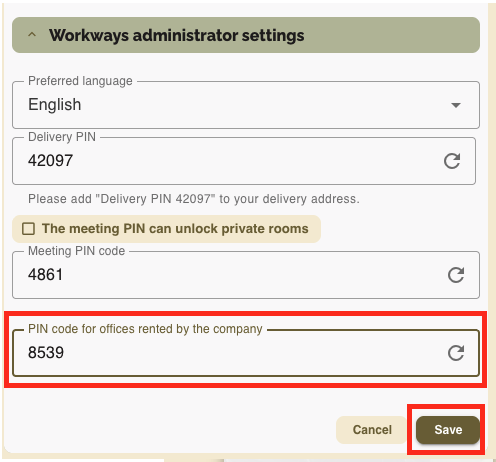
4. To change the PIN, click on it and save your changes.
Once updated, the new PIN will take effect immediately.