An existing booking or reservation for a meeting room, conference room or any other workspace resource may be cancelled at any time before the scheduled meeting start time.
Once the meeting has begun, the booking can no longer be cancelled.
To cancel your booking using the Workways app, please follow these steps:
1. Log in at app.workways.com.
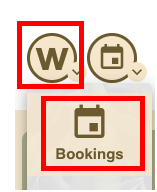
Click on the W menu and select Bookings.
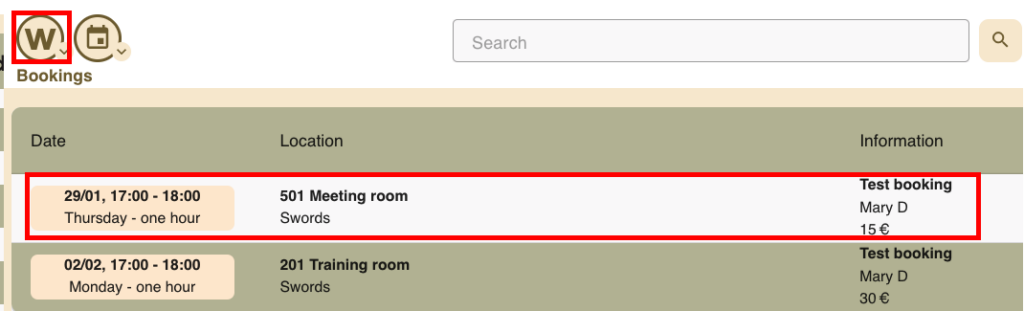
2. Click on the booking you wish to cancel.
3. Click on the archive box icon.
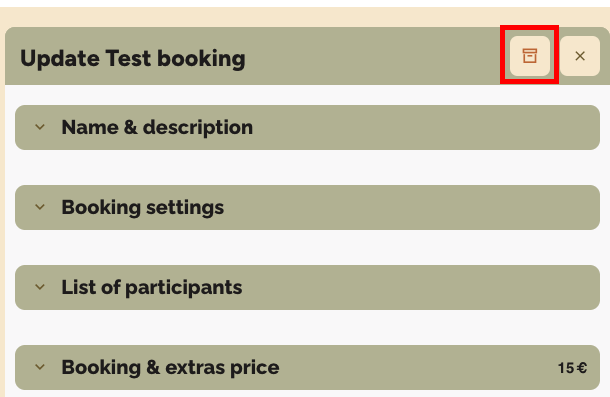
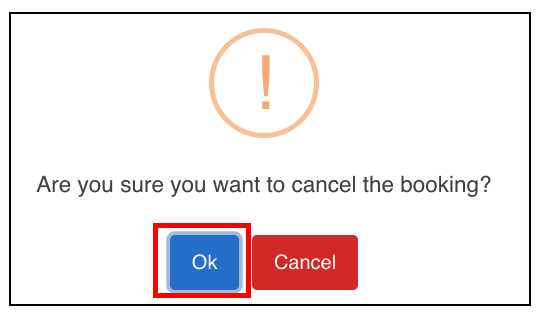
A message will appear asking you to confirm. Click OK.