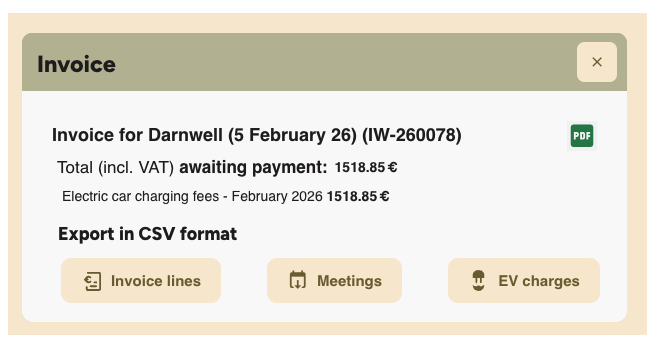
To view your invoice:
1. Click on the link you received by email or via Peppol, or
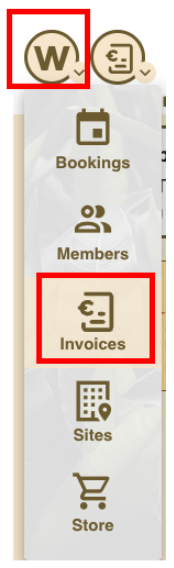
2. Click on the invoice title directly in the Workways application as follows:
- Log in at app.workways.com and click the W menu and select Invoices.
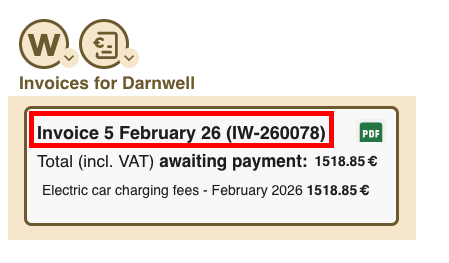
- Find the invoice you want to view and click on the invoice title to open it.
- Use the provided buttons to download invoice lines, meeting details or EV charges details.