If you need to order a product or service, please use the Shop feature in the Workways app.
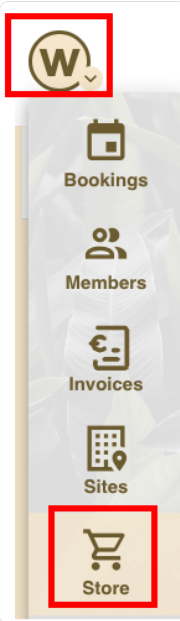
1. Open the Workways app and go to the Store section.
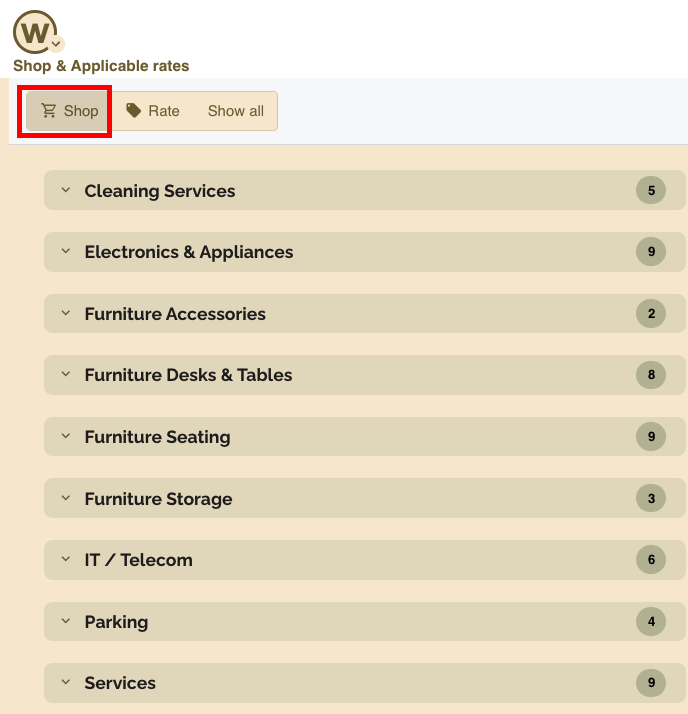
2. You will see a list of shop categories displayed.
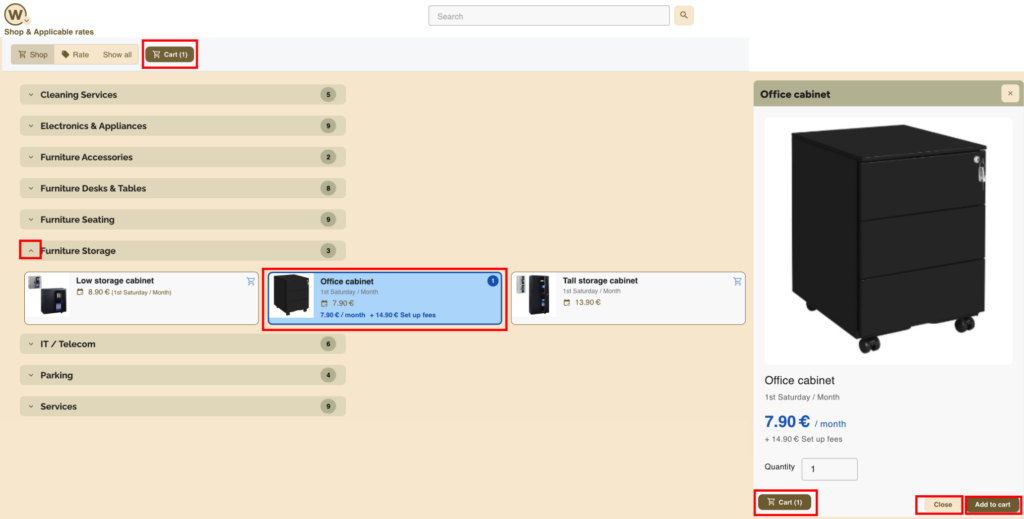
3. Click the arrow next to a category name to expand it and view the available products and services.

4. Click on a product card to open it in the right-hand side panel.
The following information will be displayed:
- Price: Includes setup fees and monthly fees, depending on the product or service
- Installation time: Estimated time for installation in your office
You can then:
- Click Add to cart to select the product
- Click Close if you want to close the panel and e.g. choose a different product
To view the shopping cart, click the Cart button.
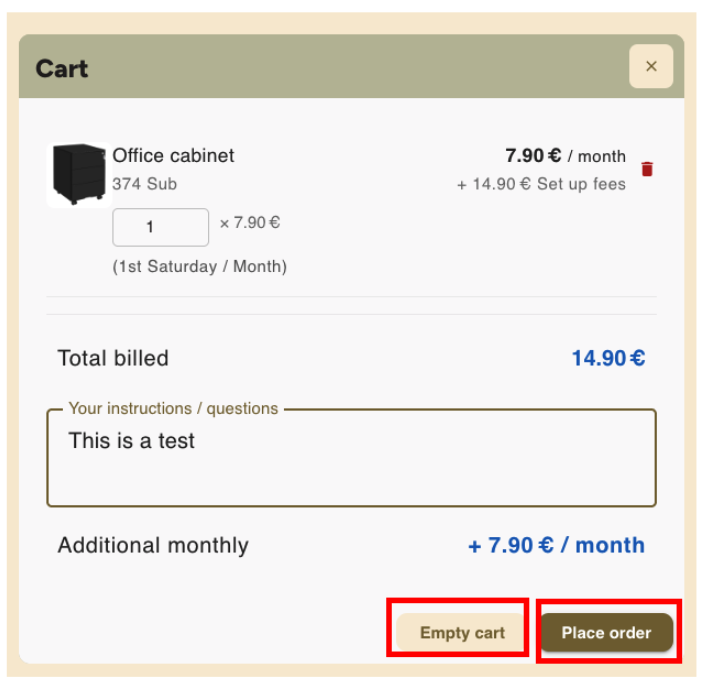
5. In the shopping cart, you have two options:
- Place order: Finalise your order
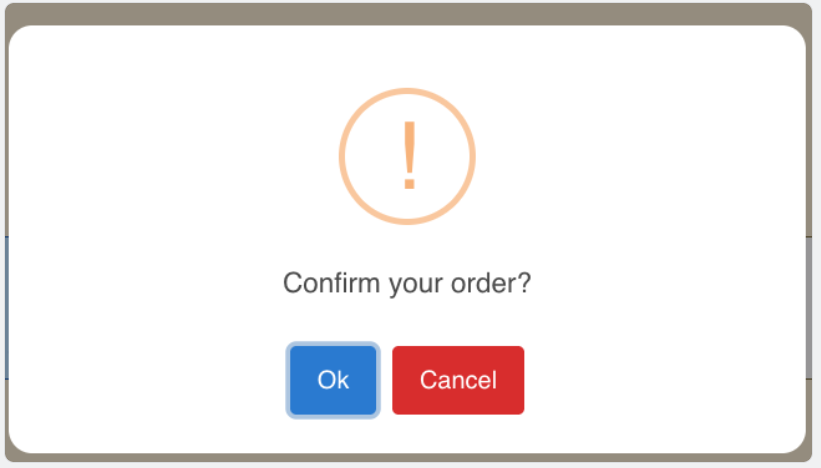
- A pop-up window will appear asking you to click OK to confirm the order
- Empty cart: Remove all items from your cart
6. After placing an order:
- You will see the message Order placed displayed in the Workways app.

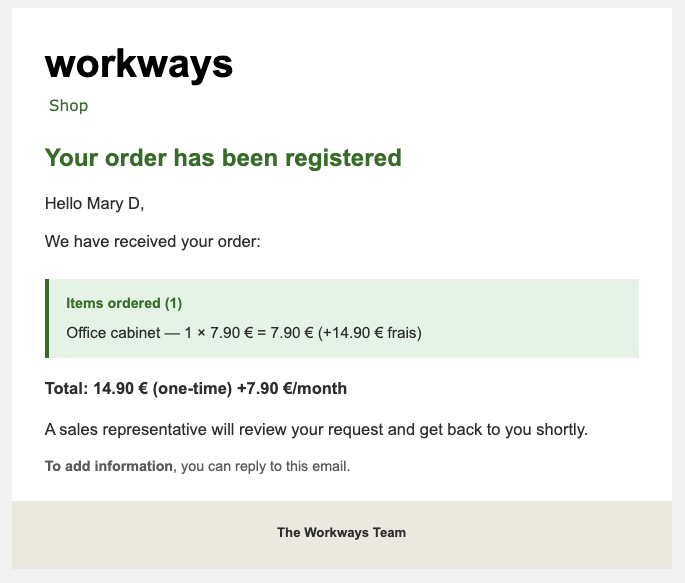
You will receive an automatic order notification email confirming that the order has been registered.
7. You will be invoiced once the product is installed in your office or, if you ordered a service, when the service is completed.
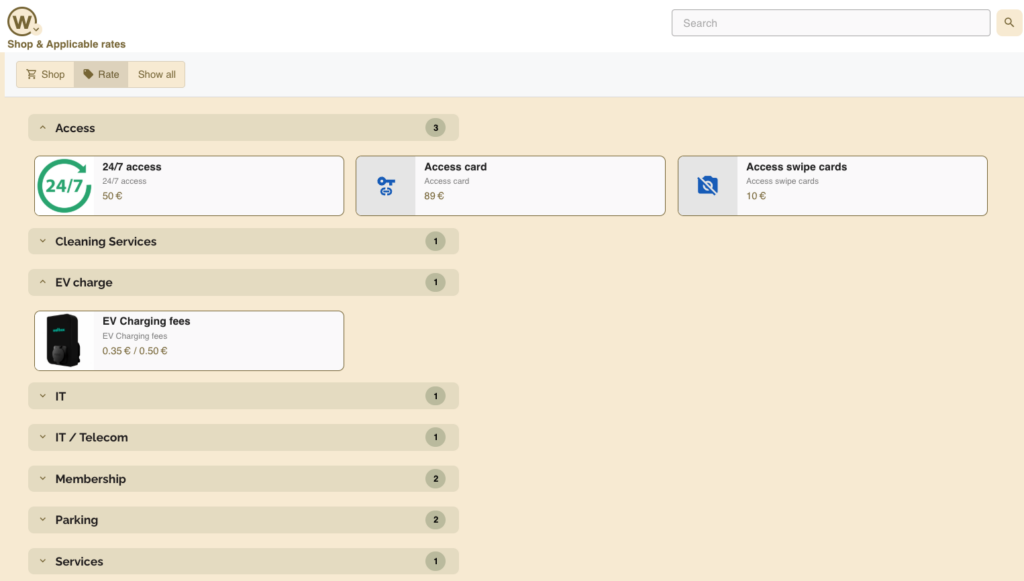
8. You can also view the applicable rates/fees by clicking on the Rate tab.
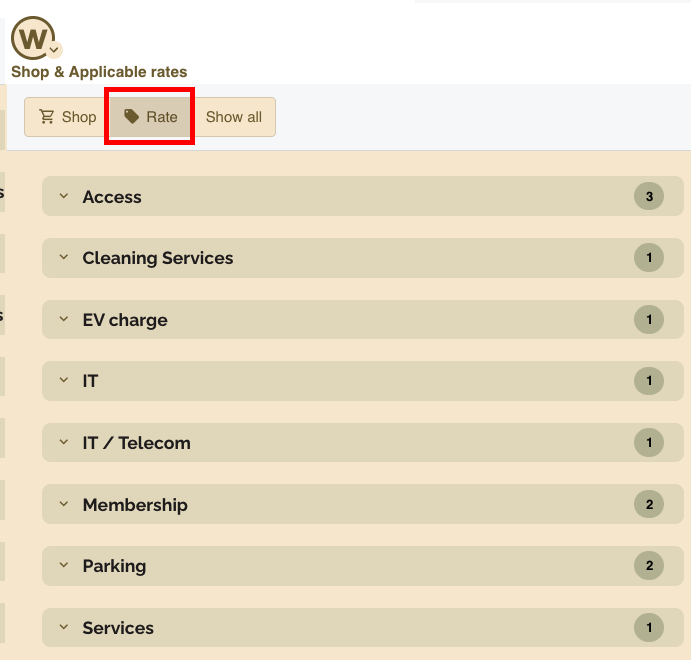
These rates may vary by country; the information below is provided for illustration purposes only.
When you log into the Workways app, you will see rates specific to your site.